Wire it once.
Then just pull.
What the Back40 system does from the time you park in the pits to the time you're studying the run at home.
-
1
Wire it once, in the shop
Sensors wire into the Back40 box, and the box connects to your tablet with one 6-foot USB cable. Label your channels and lay out your gauges on the bench. You don't need the board connected to do it. After that first afternoon, the wiring is done.
-
2
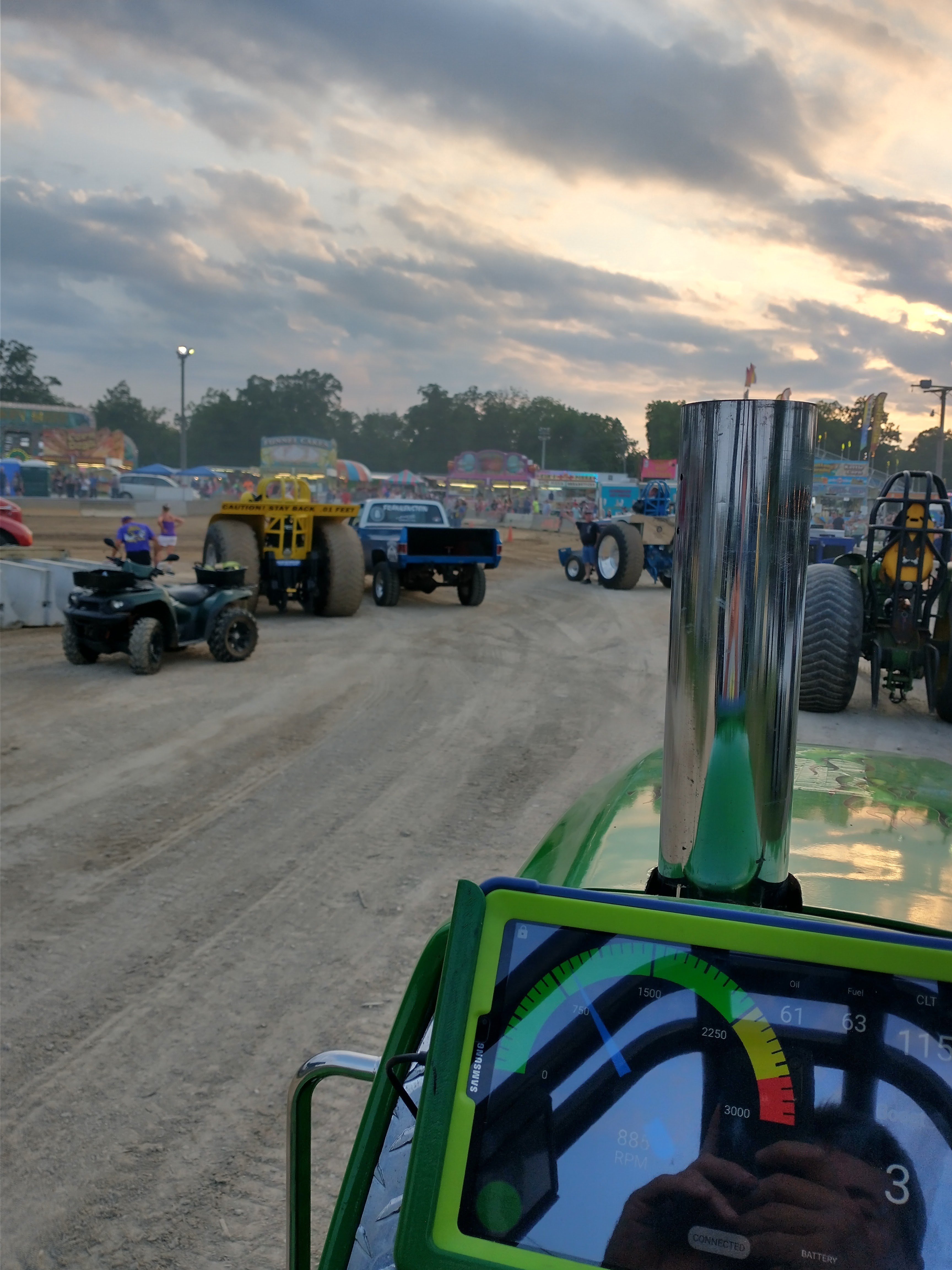
Stage with live numbers
Fuel and oil pressure, boost, coolant temp, EGTs, RPM and ground speed, all live on the tablet while you wait to hook. Catch a problem in the staging lanes instead of finding it in the data afterward.
-
3
It logs the pull for you
Auto-start is configurable, so recording begins on its own and you're not reaching for the tablet at the hook. Every channel is captured together, start to finish.
-
4
Let it work the machine Gen4
Four relay outputs fire on thresholds you set: fuel pump, nitrous, intercooler pump, whatever you wire to them. Or take manual control and switch one on or off yourself.
-
5
Read it before you leave the lanes
Open the finished run on the log screen right there. Pick your gauges, zoom into the launch, scroll to any point in time, check your peaks. No laptop, no card reader, no waiting for the trailer.
-
6
Study it properly at home
Upload the run to Back40 Pitstop and put it next to every other pull you've logged.
Sensors from us, or your own
Pressure, NTC temperature, EGT probes and amplifiers, and turbo speed sensors are all in the shop. Already have sensors on the tractor? They wire in.
Runs on your Android device
Any Android phone or tablet. Samsung tablets are the common pick: good screen for the money, and their GPS chip supplies ground speed.
Real-time, no lag
Data transmits over USB: no Bluetooth pairing, no dropouts, no latency surprises in the middle of a run.
App updates via Play
When we add features, you get them over Google Play. No cables, no reflashing, no mailing anything back.